
Sims 4 Decor CC
Sims 4 decor CC turns a built room into a home: clutter, wall art, rugs, mirrors, books, vases and seasonal pieces. Every listing credits its creator and lists the packs it needs.
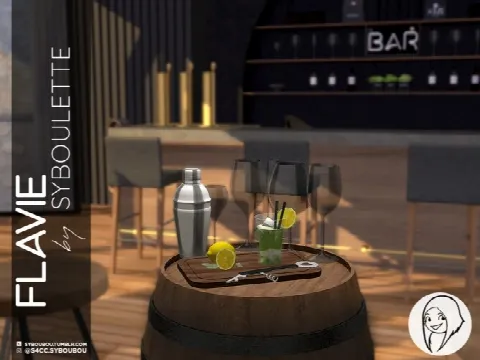
Showing 1–1 of 1
Decor is where a room's story comes from. A stack of books by the bed, a mug on the desk and a rug under the sofa say more about a Sim than an expensive furniture set.
Most decor is decorative only, and some clutter is very detailed. If your game starts to slow, watch file sizes and lean towards Maxis Match pieces, which tend to be lighter.
To place small items exactly, hold Alt to move them off the grid, and turn on bb.moveobjects to set them on shelves, counters and each other. Wall art can be raised or lowered with the 9 and 0 keys.
For seasonal decor, browse our Halloween and Christmas Collections. Lighting, plants and electronics have pages of their own.
Frequently asked questions
How do I hang wall art at a different height?
Select the piece in Build mode and press 9 or 0 to move it up or down the wall.
Can I layer rugs?
Yes. With bb.moveobjects on, you can place one rug over another to build up a layered look.
Do Sims use decor CC?
Mostly not: decor is there to look good. Mirrors, functional lights and a few other pieces are the exceptions, and the listing says when an item is functional.