
Sims 4 Lots CC
Sims 4 lots save you hours in Build mode: ready-made homes, shops, restaurants and parks built by creators. Every listing names the packs and custom content the lot needs.
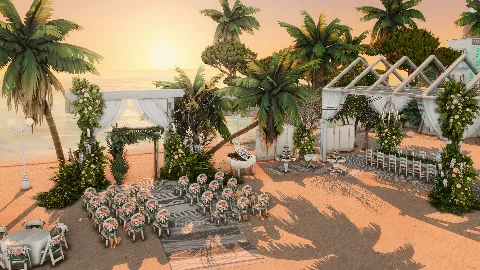 Beach Wedding
by PlumbobKingdom
Beach Wedding
by PlumbobKingdom
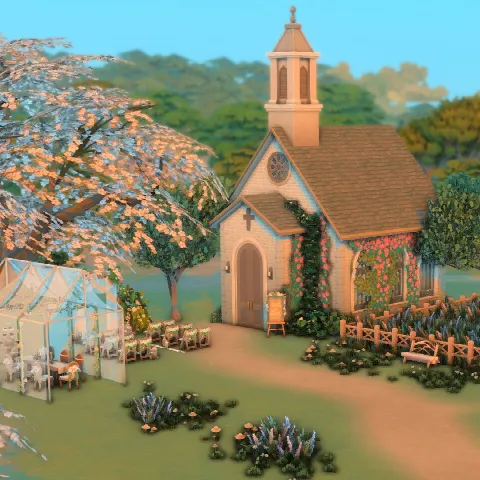 Lavender Field Church
by grenesims
Lavender Field Church
by grenesims
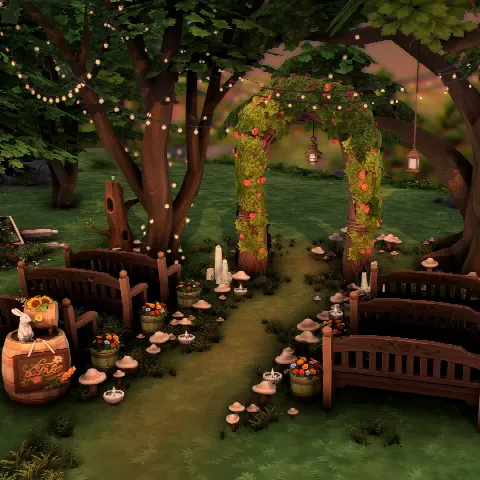 Cottage Wedding Venue
by grenesims
Cottage Wedding Venue
by grenesims
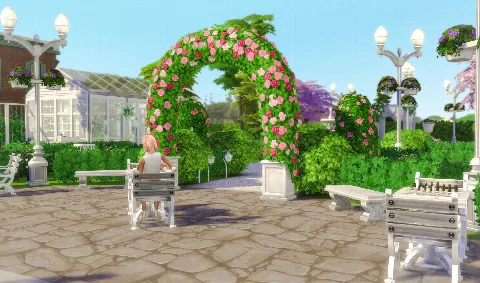 Bellecourt garden park and wedding venue
by manicpot8to
Bellecourt garden park and wedding venue
by manicpot8to
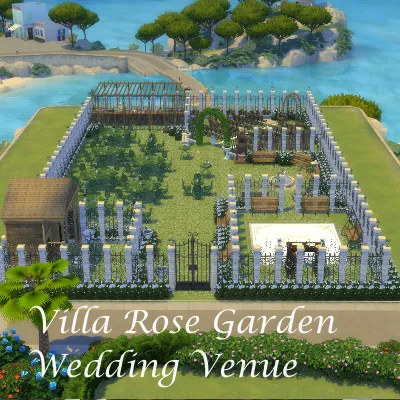 WFS Rose Garden wedding venue
by Simverses
WFS Rose Garden wedding venue
by Simverses
 Magnolia Promenade High School
by IntincrMars
Magnolia Promenade High School
by IntincrMars
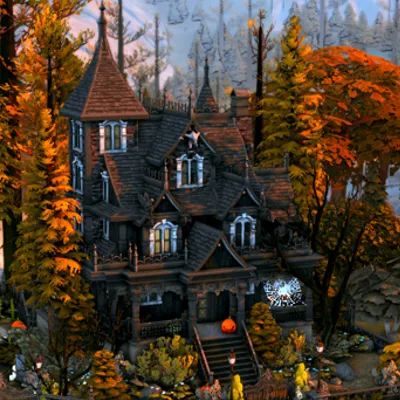 Haunted Victorian House
by Create4sims
Haunted Victorian House
by Create4sims
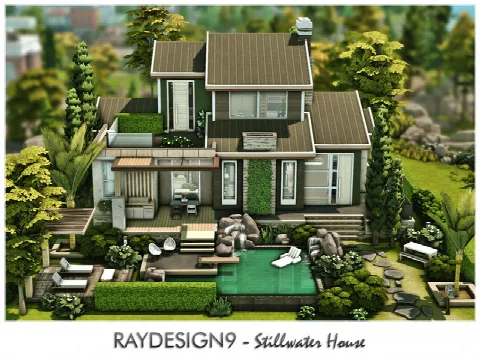 Stillwater House
by RayDesign9
Stillwater House
by RayDesign9
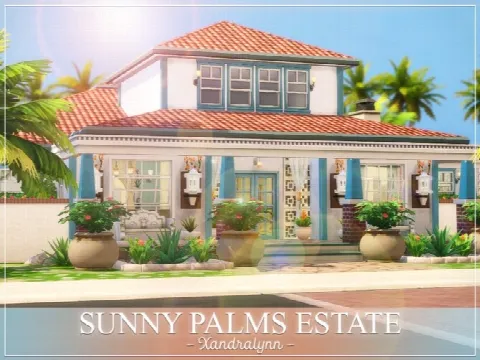 Sunny Palms Estate
by Xandralynn
Sunny Palms Estate
by Xandralynn
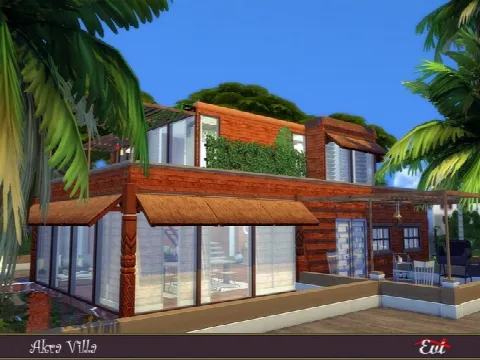 Akra Vila
by evi
Akra Vila
by evi
 MB Rounded Corners Home
by matomibotaki
MB Rounded Corners Home
by matomibotaki
 Rapunzel’s Tower
by kiellessa
Rapunzel’s Tower
by kiellessa
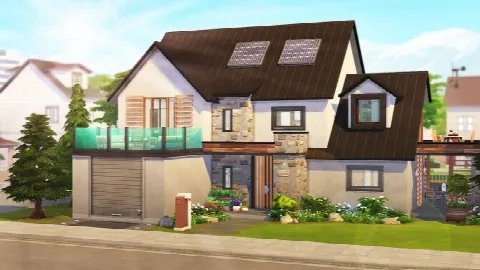 PERFECT ECO-FRIENDLY FAMILY HOME
by Avelineyt
PERFECT ECO-FRIENDLY FAMILY HOME
by Avelineyt
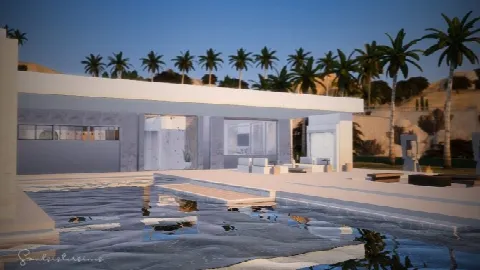 Waterloo Mansion
by Soulsistersims
Waterloo Mansion
by Soulsistersims
 Lot 001 Country grandma’s house
by Haruinosato
Lot 001 Country grandma’s house
by Haruinosato
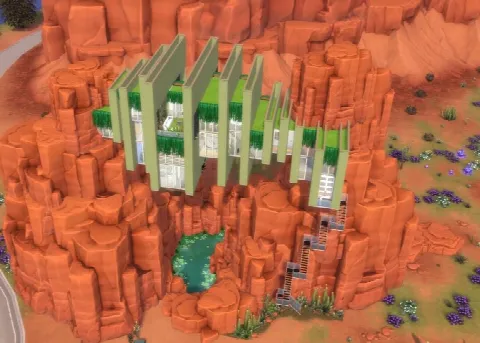 Strangerville Outlook
by alexiasi
Strangerville Outlook
by alexiasi
 Carlotta Home
by Ray_Sims
Carlotta Home
by Ray_Sims
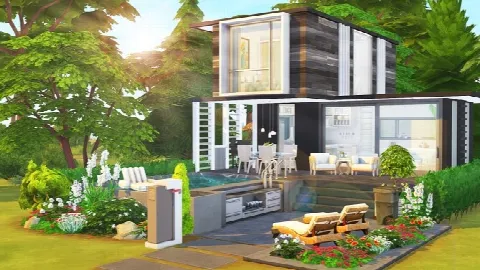 CELEBRITY’S TINY HOUSE
by Avelineyt
CELEBRITY’S TINY HOUSE
by Avelineyt
 Single Mom and Four Kids Family Home
by simbunnyRT
Single Mom and Four Kids Family Home
by simbunnyRT
 The Pink Victorian mansion
by alexiasi
The Pink Victorian mansion
by alexiasi
 Lafayette home
by sharon337
Lafayette home
by sharon337
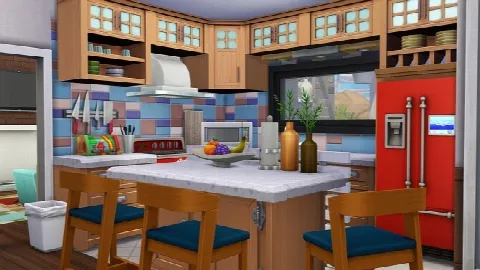 GRANDPARENTS’ MID-CENTURY MODERN HOME
by Avelineyt
GRANDPARENTS’ MID-CENTURY MODERN HOME
by Avelineyt
 Modern Forest House
by Ray_Sims
Modern Forest House
by Ray_Sims
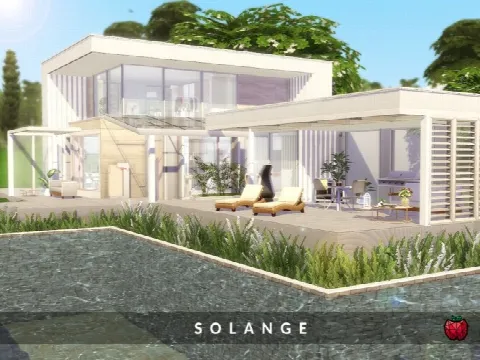 Solange home
by melapples
Solange home
by melapples
Showing 1–24 of 528
Browse residential lots for homes and community lots for venues. Playing a base game save? Check the packs line on each listing: many builders use expansion pack objects, and items from packs you don't own won't appear.
Lots install differently from other CC. The download is usually a set of Tray files (.trayitem, .blueprint and .bpi) that go in Documents > Electronic Arts > The Sims 4 > Tray, not the Mods folder. You then place the lot from your Library in the Gallery.
Some lots are built with custom content, and their listings say so. Download the CC list the creator provides first, or the lot will have gaps.
Frequently asked questions
Where do I put Sims 4 lots?
In the Tray folder (Documents > Electronic Arts > The Sims 4 > Tray). The lot then appears in your Library in the Gallery, ready to place.
Do lots need packs?
Often. You can still place the lot, but items from packs you don't own won't appear. Each listing names the packs the builder used.
Why is my lot missing items?
It needs custom content you haven't installed or packs you don't own. Install the creator's CC list, and make sure the Gallery's filters include custom content.
Can I use these lots in the base game?
Yes, if the lot is base game compatible; the listing says so when the builder does.