
Sims 4 Objects CC
Sims 4 decor and clutter CC is what makes a lot feel lived in: plants, lamps, electronics, books and shelves of small things. Every object links to its creator's own page.
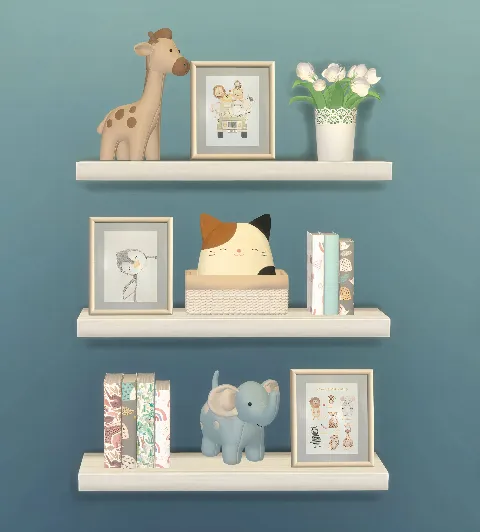 Kids Toy Set 1
by Dante_Sims
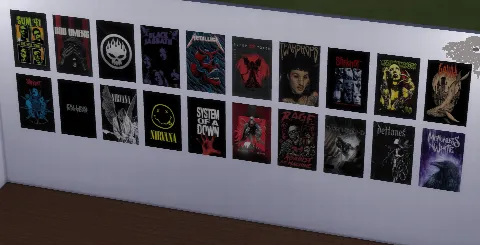 Favorite Bands Posters
by Snotra902
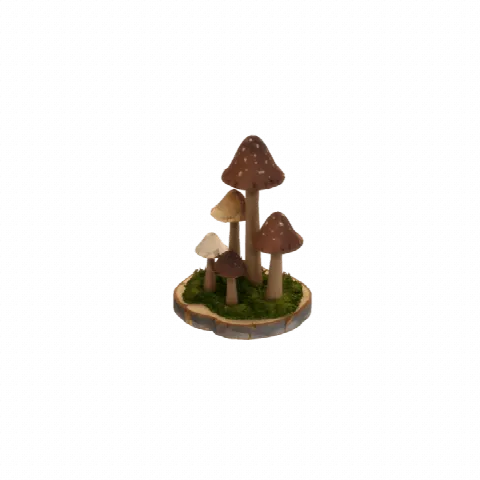 Fairycore Decors Set
by Snotra902
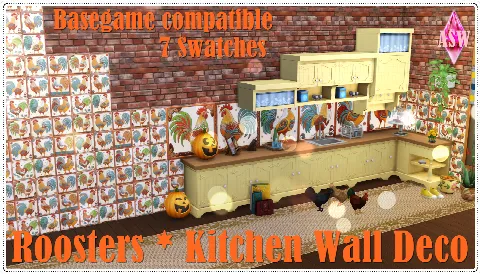 Rooster Kitchen Wall Deco
by Annett's Sims 4 Welt
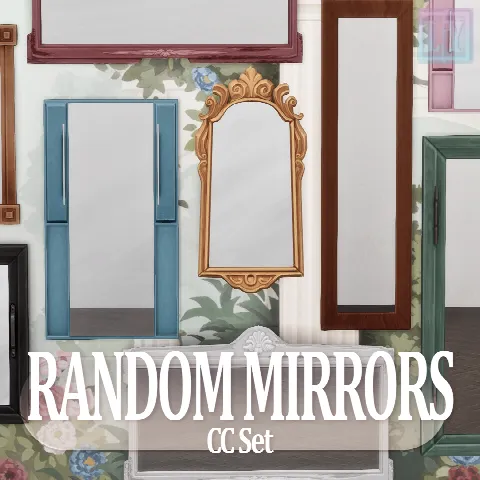 Random Mirrors Set
by LuuFORyou
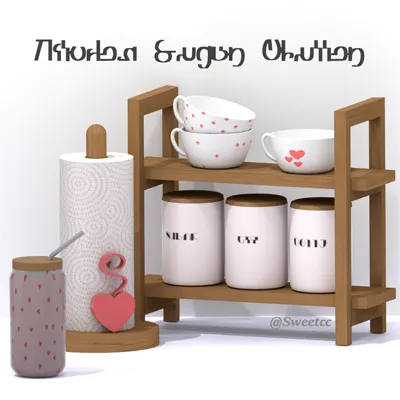 Kitchen Sugar Clutter
by Sweetcc
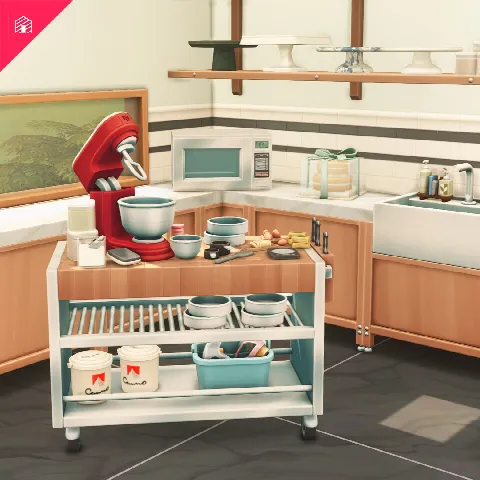 Smør: Part Three
by HeyHarrie
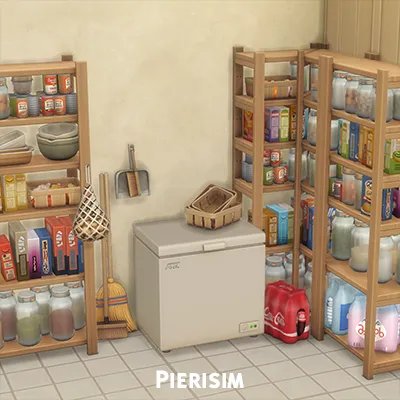 Pantry Party
by Pierisim
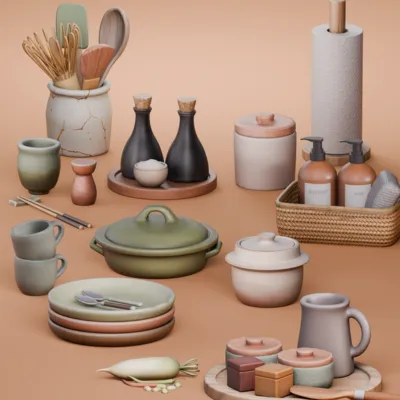 Homestyle Counter Clutter
by SnootySims
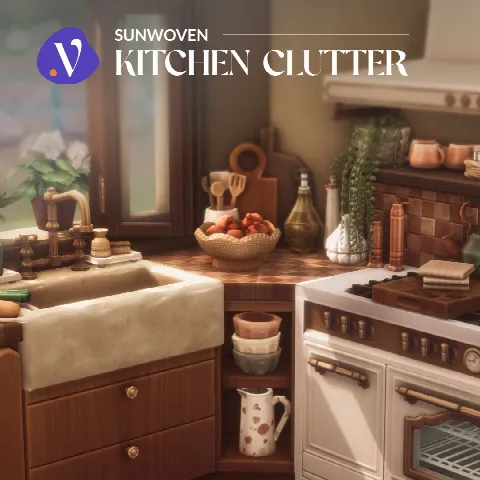 Sunwoven: Kitchen Clutter
by valiasims
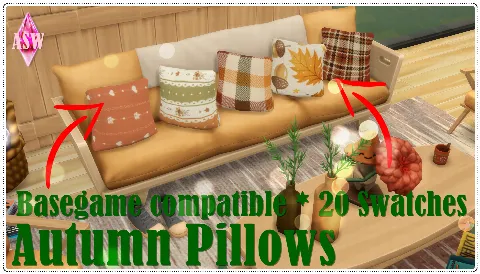 Autumn Pillows
by Annett85
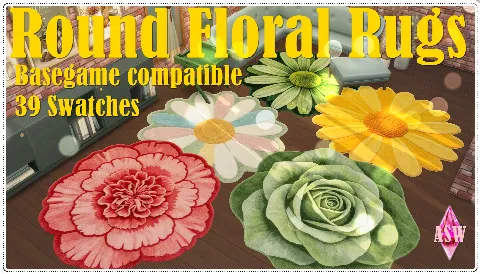 Round Floral Rugs
by Annett85
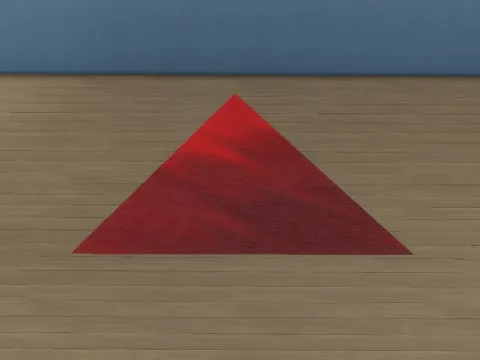 Triangle Rug
by ErinRichtofen
 Defy Luxury Gym Set [Part 1]
by greenllamas
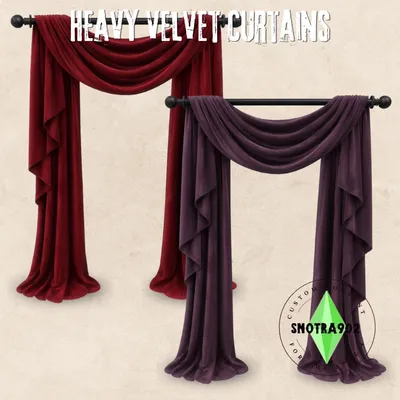 Heavy Velvet Curtains
by Snotra902
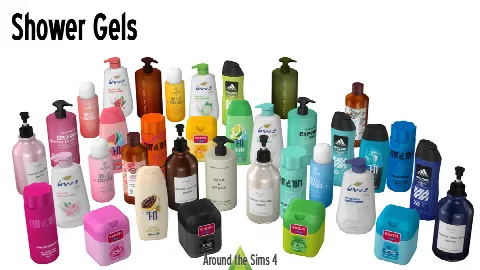 Shower Gels Bodywash Clutter
by Around the Sims 4
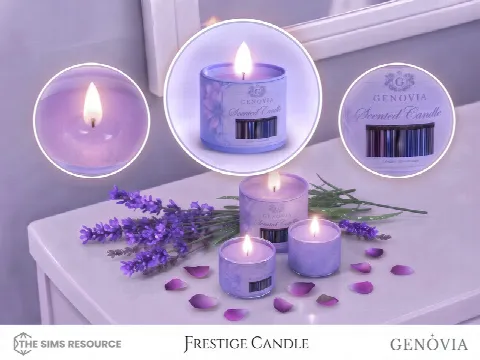 Genovia Frestige Candle
by GenoviaStudio
 CASABLANCA Moroccan-Inspired Lighting Collection
by SyrenaSims
 Countryside Charm Decor
by Sims House
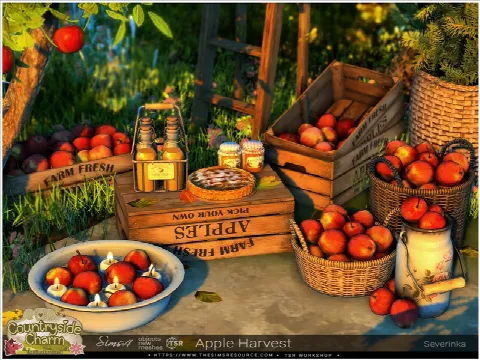 Apple Harvest
by Severinka
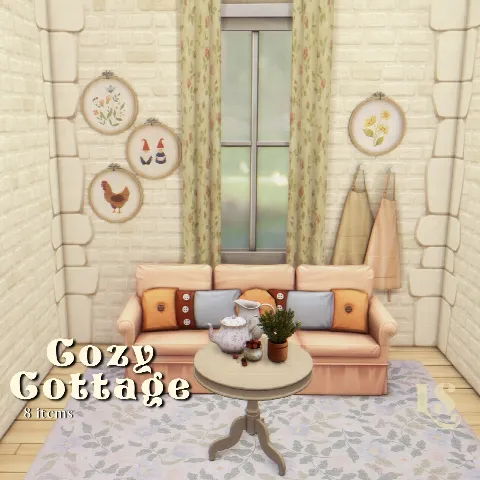 Cozy Cottage
by lvstrousims
Showing 1–24 of 1,160
Objects are grouped by type: decor, lighting, electronics, plants and miscellaneous. Beds, seating and tables are under Furniture.
Clutter is often decorative only, and much of it is highly detailed. On an older computer, big clutter sets can lengthen load times, so check the file size on each listing and lean towards Maxis Match clutter if your game slows down.
To place small items exactly where you want them, hold Alt to move them off the grid, and turn on bb.moveobjects to set them on shelves and counters. For seasonal decor, our Halloween and Christmas Collections gather matching pieces in one place.
Frequently asked questions
What is clutter CC?
Small decorative objects such as books, plates, toiletries and toys that make a room look lived in. Most clutter is decorative only.
Does clutter CC slow down the game?
Large, highly detailed sets can lengthen load times. Maxis Match clutter is usually lighter, and each listing shows the file size when the creator gives it.
How do I put clutter on shelves?
Hold Alt to place items freely, and type bb.moveobjects in the cheat console (Ctrl+Shift+C, or Cmd+Shift+C on Mac) to stack and overlap them.