
Sims 4 Objects CC
Sims 4 decor and clutter CC is what makes a lot feel lived in: plants, lamps, electronics, books and shelves of small things. Every object links to its creator's own page.
 Yearbook Legends: Class of '00 Portrait Frame
by dkman84m2
Yearbook Legends: Class of '00 Portrait Frame
by dkman84m2
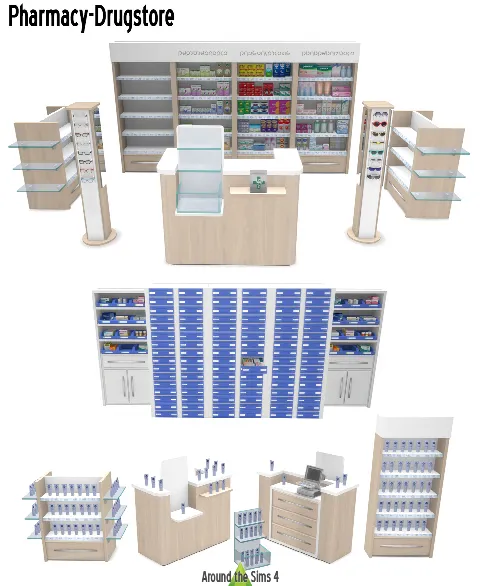 Pharmacy/Drugstore
by Around the Sims 4
Pharmacy/Drugstore
by Around the Sims 4
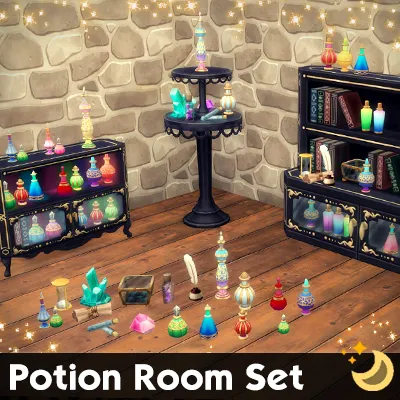 Potion Room Set
by SimderTalia
Potion Room Set
by SimderTalia
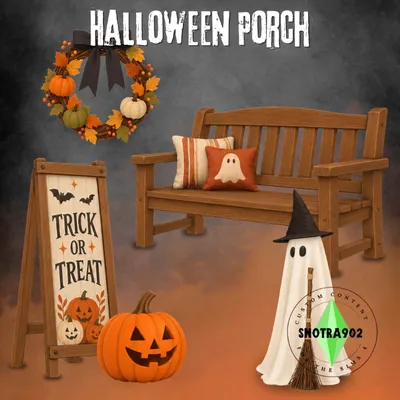 Halloween Porch
by Snotra902
Halloween Porch
by Snotra902
 NINTENDO SWITCH – FUNCTIONAL, ACCESSORY AND DECORATION
by Redheadsims Cc
NINTENDO SWITCH – FUNCTIONAL, ACCESSORY AND DECORATION
by Redheadsims Cc
 Oh Deer set
by B 5studio
Oh Deer set
by B 5studio
 Grandfather Clock
by Ashuria
Grandfather Clock
by Ashuria
 Wall carved growth chart Decal
by Sateisa
Wall carved growth chart Decal
by Sateisa
 Tidy Detergent and Pods
by littledica
Tidy Detergent and Pods
by littledica
 Landscape Paintings
by Historicalsimslife
Landscape Paintings
by Historicalsimslife
 Laundry Day Stuff Separates
by Waterwoman
Laundry Day Stuff Separates
by Waterwoman
 Rococo Portraits
by Historicalsimslife
Rococo Portraits
by Historicalsimslife
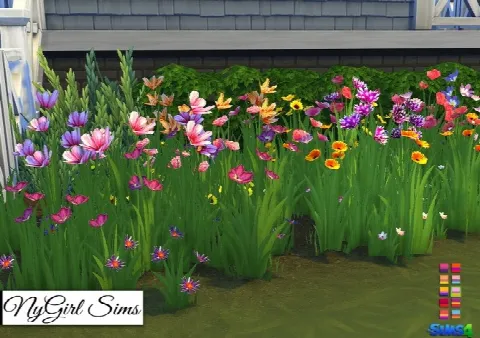 Wildflower Assortment
by Nygirlsims4
Wildflower Assortment
by Nygirlsims4
 Paisley Avenue book conversions
by Mio Sims
Paisley Avenue book conversions
by Mio Sims
 Mesh Screen
by Simista
Mesh Screen
by Simista
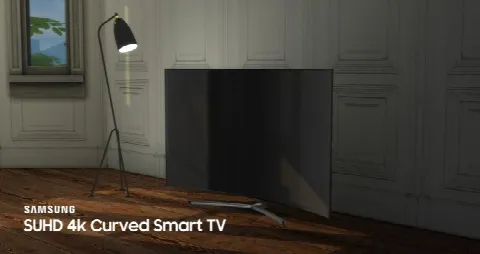 SUHD 4k Curved Smart TV
by littledica
SUHD 4k Curved Smart TV
by littledica
 Distressed Persian Rugs
by Nygirlsims4
Distressed Persian Rugs
by Nygirlsims4
 Country Kitchen Rooster Decor
by Nygirlsims4
Country Kitchen Rooster Decor
by Nygirlsims4
 Easel recolors
by Steve7859
Easel recolors
by Steve7859
Showing 1–19 of 19
Objects are grouped by type: decor, lighting, electronics, plants and miscellaneous. Beds, seating and tables are under Furniture.
Clutter is often decorative only, and much of it is highly detailed. On an older computer, big clutter sets can lengthen load times, so check the file size on each listing and lean towards Maxis Match clutter if your game slows down.
To place small items exactly where you want them, hold Alt to move them off the grid, and turn on bb.moveobjects to set them on shelves and counters. For seasonal decor, our Halloween and Christmas Collections gather matching pieces in one place.
Frequently asked questions
What is clutter CC?
Small decorative objects such as books, plates, toiletries and toys that make a room look lived in. Most clutter is decorative only.
Does clutter CC slow down the game?
Large, highly detailed sets can lengthen load times. Maxis Match clutter is usually lighter, and each listing shows the file size when the creator gives it.
How do I put clutter on shelves?
Hold Alt to place items freely, and type bb.moveobjects in the cheat console (Ctrl+Shift+C, or Cmd+Shift+C on Mac) to stack and overlap them.