
Sims 4 Worlds CC
Sims 4 world CC changes the neighbourhoods themselves: scenery overrides and edits to the game's existing worlds. Every listing credits its creator and lists the packs it needs.
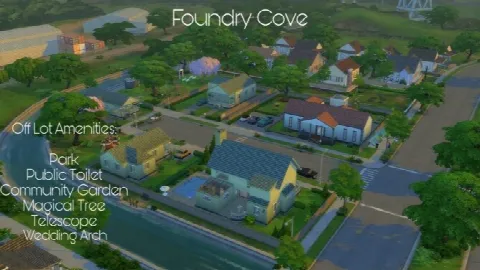 Willow Creek T.O.O.Led Save File BG
by CommodoreLezmo
Willow Creek T.O.O.Led Save File BG
by CommodoreLezmo
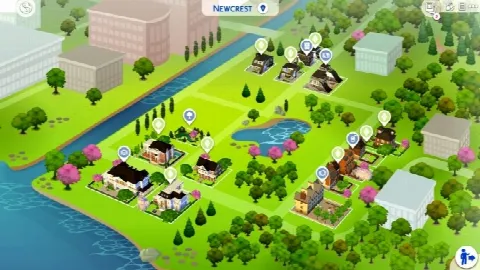 Newcrest Campus
by wouterfan
Newcrest Campus
by wouterfan
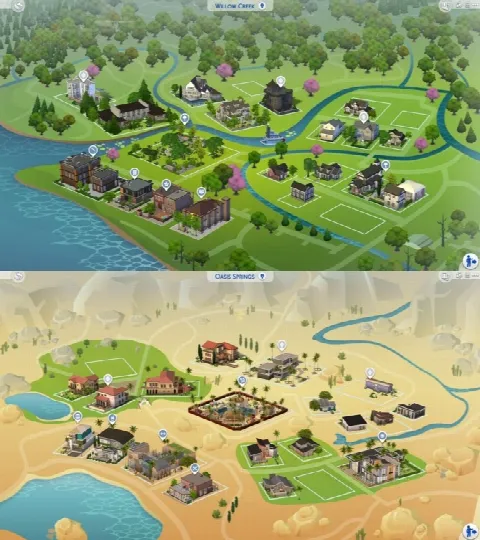 Worlds
by Diffevair Mods
Worlds
by Diffevair Mods
 Empty World
by zoid5
Empty World
by zoid5
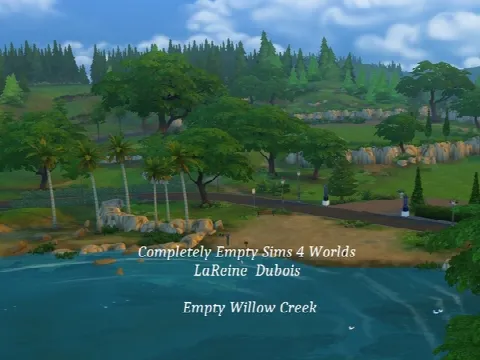 Completely Empty Sims 4 World
by LaReineDubois
Completely Empty Sims 4 World
by LaReineDubois
 Oasis Springs Makeover
by Viasims
Oasis Springs Makeover
by Viasims
 Empty Worlds Willow Creek & Oasis Springs
by One Billion Pixels
Empty Worlds Willow Creek & Oasis Springs
by One Billion Pixels
Showing 1–7 of 7
This is one of the smallest corners of CC, because the game can't easily load a brand-new world. Most world CC edits one that already exists, changing its textures, scenery or terrain.
Because a world edit can affect every save that uses that world, back up your saves before you install one, and read the creator's notes on removing it cleanly. Most edits also need the pack the world came from.
Want to change a world lot by lot instead? Place residential lots and community lots from your Library, or rebuild an empty lot yourself with walls and floors, furniture and outdoor furniture.
Frequently asked questions
Can I add a brand-new world to The Sims 4?
Not easily. The game loads the worlds EA made, so world CC edits or overrides one of those.
Will world CC break my save?
It shouldn't, but back up your saves first. A world edit changes every save that uses that world, and removing it can leave changes behind.
Do world edits need packs?
Usually. An edit to a pack's world needs that pack, and the listing names it.