
Sims 4 Shoes CC
Sims 4 shoes CC gives every outfit a proper finish: heels, boots, trainers, sandals, flats and slippers. Each pair credits its creator and lists the ages and packs it needs.
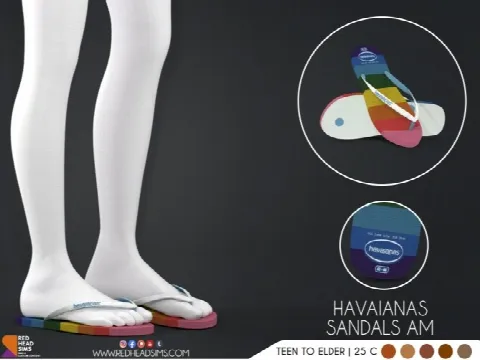 HAVAIANAS SANDALS AM + AF
by Thiago Mitchell
HAVAIANAS SANDALS AM + AF
by Thiago Mitchell
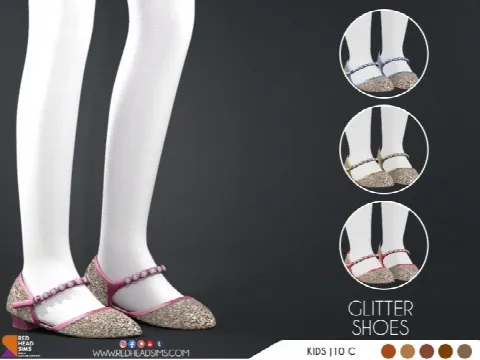 GLITTER SHOES KIDS + TODDLER
by Redheadsims Cc
GLITTER SHOES KIDS + TODDLER
by Redheadsims Cc
 TEDDY LEATHER SHOES KIDS + TODDLER
by Redheadsims Cc
TEDDY LEATHER SHOES KIDS + TODDLER
by Redheadsims Cc
 NEW YEAR HEELS V2
by Thiago Mitchell
NEW YEAR HEELS V2
by Thiago Mitchell
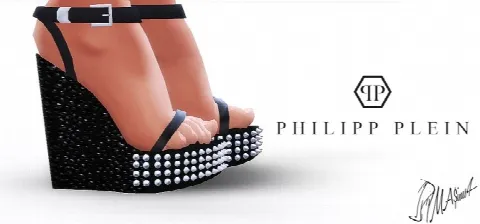 Spiked Platform Sandals
by MrAntonieddu
Spiked Platform Sandals
by MrAntonieddu
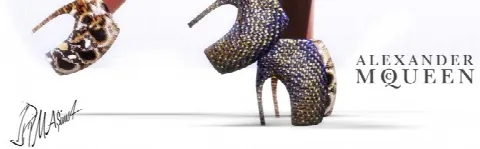 Armadillo Shoes
by MrAntonieddu
Armadillo Shoes
by MrAntonieddu
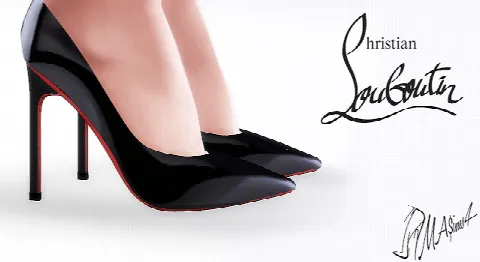 20mm Panent Leather Pumps
by MrAntonieddu
20mm Panent Leather Pumps
by MrAntonieddu
 Daffodile Strass SS 2016 pumps
by Masims3
Daffodile Strass SS 2016 pumps
by Masims3
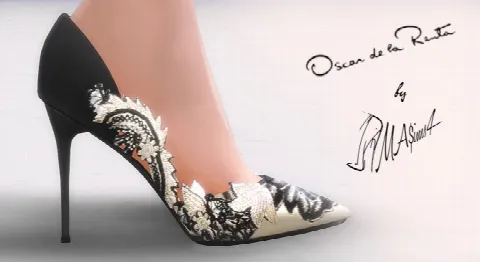 OdlR Stiletto Pumps
by MrAntonieddu
OdlR Stiletto Pumps
by MrAntonieddu
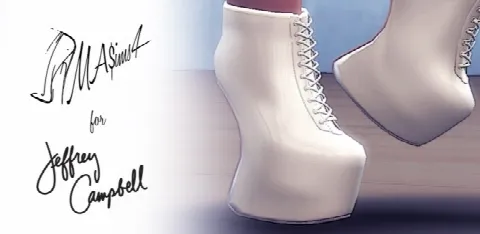 Heelless Boots
by MrAntonieddu
Heelless Boots
by MrAntonieddu
Showing 1–10 of 10
Browse women's shoes or men's shoes. Any Sim can wear either once the clothing preference is changed in CAS's gender options, and plenty of trainers and boots suit both.
Shoes have their own slot, so you can change them without touching the outfit. What to check is where the shoe meets the hem: long trousers and chunky boots can clip, while skirts, shorts and slim jeans show a shoe off best. The creator's images usually show a pair with an outfit, which is the quickest way to judge.
Look at the swatches too. A pair in neutral colours goes with far more of a wardrobe than one statement colour. Socks and tights sit in their own slot and layer under any shoe: see tights and socks. Then build the outfit in women's clothes or men's clothes.
Frequently asked questions
Why are my Sim's CC shoes invisible?
The pair is usually a recolour whose mesh is missing. Download the mesh the creator links to and put it in your Mods folder.
Can my Sim wear socks with CC shoes?
Yes. Socks and tights have their own accessory slots, so they show with any shoe that leaves them visible.
Is there shoes CC for kids and toddlers?
Yes, when the creator has enabled it for those ages. The Age line on each listing shows who a pair fits.