
Sims 4 Sims CC
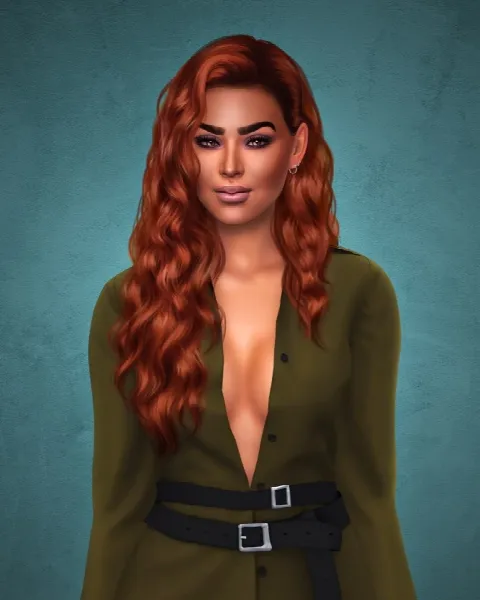
Sims 4 CC Sims are ready-made Sims and households to drop into your game: townie makeovers, couples, families and characters. Each one links to its creator's page.

Showing 1–2 of 2
A downloaded Sim is a set of Tray files, not a package file. They go in the Tray folder (Documents > Electronic Arts > The Sims 4 > Tray), not Mods, and then appear in your Library in the Gallery, ready to place in a world.
Most CC Sims are made with custom content. Until you have the same hair, clothes and skin, the Sim will show blank or missing pieces. Creators usually list the CC they used on the download page, so grab those first or swap in your own pieces in CAS. CC-free Sims use only EA items and work straight away.
Want to make your own instead? Start with hair, skins and eyes. A new household needs a home, too: browse residential lots.
Frequently asked questions
Where do I put downloaded Sims?
In the Tray folder: Documents > Electronic Arts > The Sims 4 > Tray. They then appear in your Library in the Gallery.
Why is my downloaded Sim bald or wearing a blank outfit?
The Sim uses custom content you don't have. Download the CC the creator lists, or replace the missing pieces in CAS.
Do downloaded Sims need packs?
Only if the creator used pack items. Without the pack, those pieces are missing or swapped, and you can change them in CAS.