
Sims 4 Makeup CC
Sims 4 makeup CC adds the lipstick shades, eyeshadow, blush and face paint EA's palette lacks. Browse every type here, each credited to its creator with the ages and packs it needs.
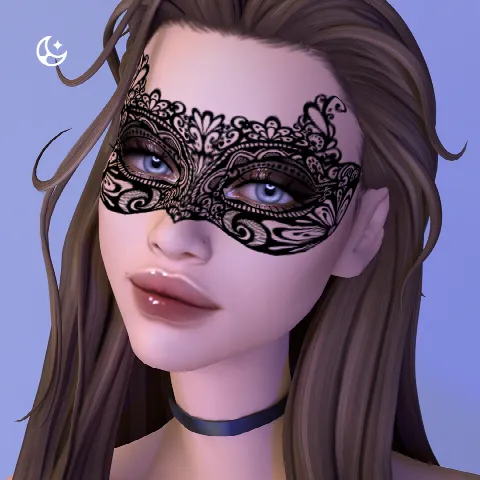
Showing 1–2 of 2
Makeup is sorted by type: lips, eye makeup, blush and face paint. For contacts and eye colours, see Eyes; for freckles, moles and skin overlays, see Skins.
Most makeup CC is non-default: it appears as new swatches next to EA's. A default replacement swaps out an EA item instead, so keep only one default for each item. Check the ages on each listing too: many creators enable makeup from teen upwards only, so check the Age line before you plan a family look.
Makeup looks most natural when it matches the rest of your Sim, so pair Maxis Match makeup with Maxis Match hair and Alpha with Alpha.
Frequently asked questions
What's a default replacement?
Custom content that replaces an EA item instead of adding a new one. Only one default per item works at a time, so keep the one you like best.
Can male Sims wear makeup CC?
Yes. Makeup isn't tied to a body frame, though creators sometimes enable only certain ages; the listing shows which.
Where does makeup CC appear in CAS?
Alongside EA's swatches in the matching makeup category, often at the end of the list. If it's missing, check that custom content is enabled in Game Options.