
Sims 4 Residential Lots CC
Sims 4 residential lots are ready-made homes to move a household into: starter homes, family houses, modern builds and mansions. Every listing names the packs and custom content it needs.
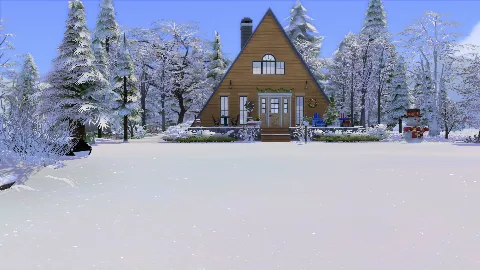 Christmas Cheer
by tylersada
Christmas Cheer
by tylersada
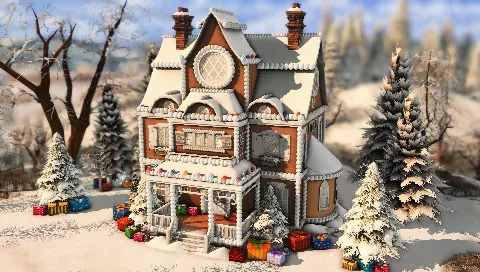 Gingerbread House
by PlumbobKingdom
Gingerbread House
by PlumbobKingdom
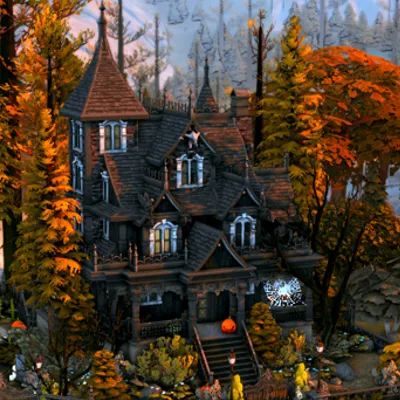 Haunted Victorian House
by Create4sims
Haunted Victorian House
by Create4sims
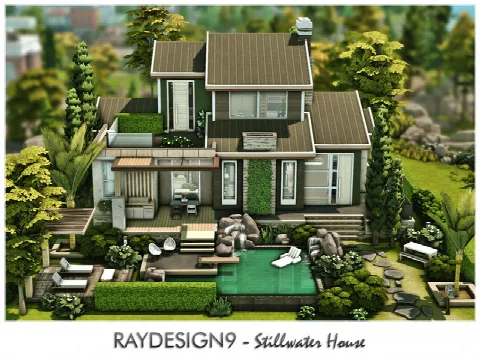 Stillwater House
by RayDesign9
Stillwater House
by RayDesign9
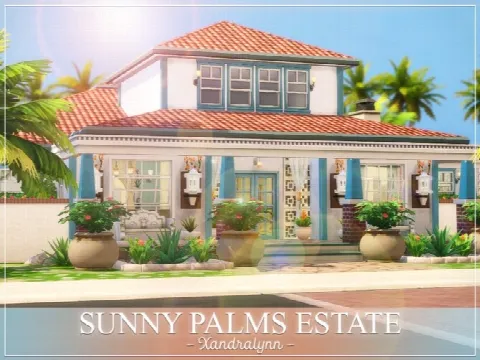 Sunny Palms Estate
by Xandralynn
Sunny Palms Estate
by Xandralynn
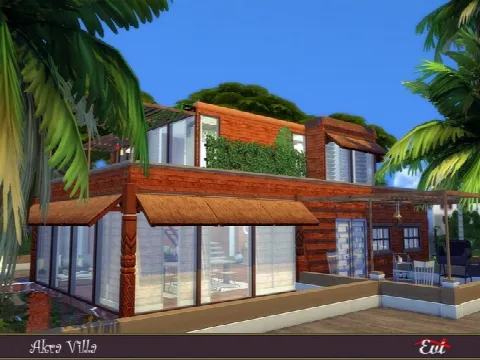 Akra Vila
by evi
Akra Vila
by evi
 MB Rounded Corners Home
by matomibotaki
MB Rounded Corners Home
by matomibotaki
 Rapunzel’s Tower
by kiellessa
Rapunzel’s Tower
by kiellessa
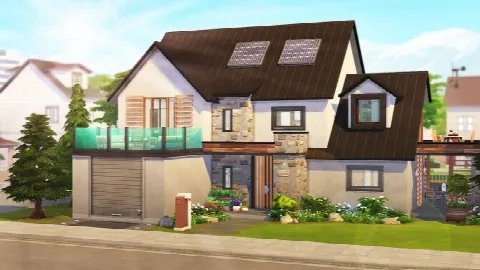 PERFECT ECO-FRIENDLY FAMILY HOME
by Avelineyt
PERFECT ECO-FRIENDLY FAMILY HOME
by Avelineyt
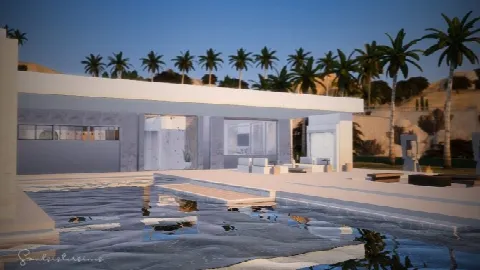 Waterloo Mansion
by Soulsistersims
Waterloo Mansion
by Soulsistersims
 Lot 001 Country grandma’s house
by Haruinosato
Lot 001 Country grandma’s house
by Haruinosato
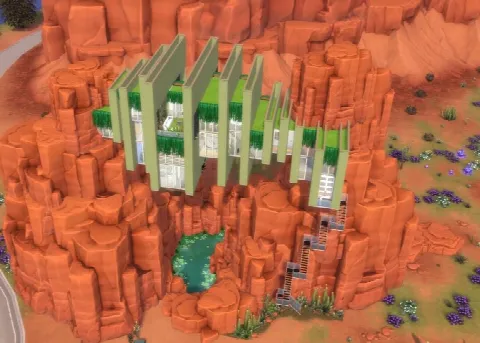 Strangerville Outlook
by alexiasi
Strangerville Outlook
by alexiasi
 Carlotta Home
by Ray_Sims
Carlotta Home
by Ray_Sims
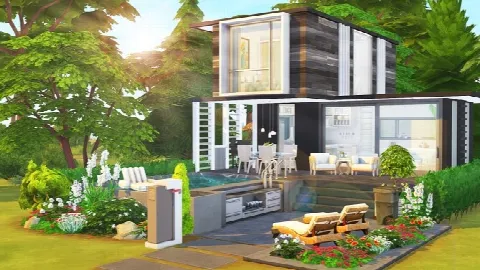 CELEBRITY’S TINY HOUSE
by Avelineyt
CELEBRITY’S TINY HOUSE
by Avelineyt
 Single Mom and Four Kids Family Home
by simbunnyRT
Single Mom and Four Kids Family Home
by simbunnyRT
 The Pink Victorian mansion
by alexiasi
The Pink Victorian mansion
by alexiasi
 Lafayette home
by sharon337
Lafayette home
by sharon337
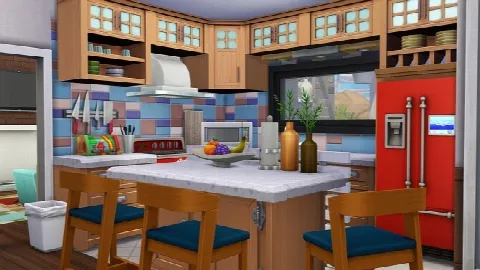 GRANDPARENTS’ MID-CENTURY MODERN HOME
by Avelineyt
GRANDPARENTS’ MID-CENTURY MODERN HOME
by Avelineyt
 Modern Forest House
by Ray_Sims
Modern Forest House
by Ray_Sims
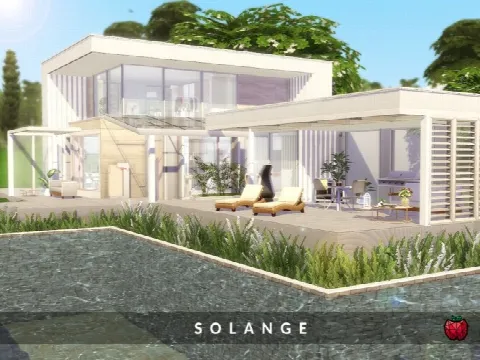 Solange home
by melapples
Solange home
by melapples
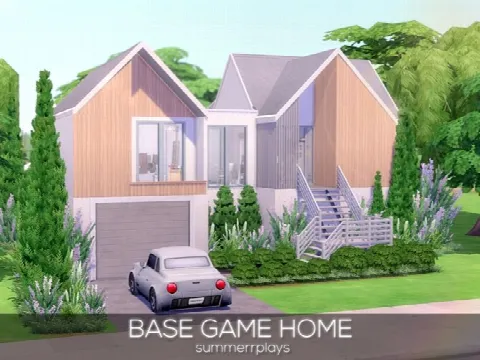 Base Game Home
by Summerr Plays
Base Game Home
by Summerr Plays
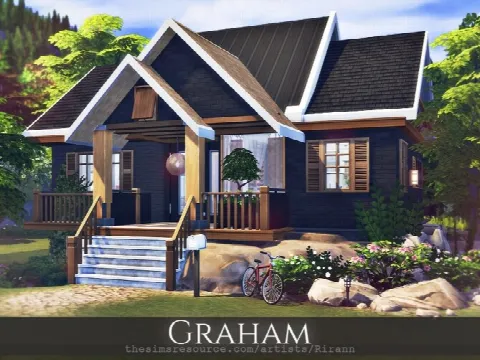 Graham home
by Rirann
Graham home
by Rirann
 Rujirada Modern House NoCC
by autaki
Rujirada Modern House NoCC
by autaki
 Space Station
by GenkaiHaretsu
Space Station
by GenkaiHaretsu
Showing 1–24 of 351
Check two things before you download: the lot size, which must fit an empty lot in your world, and the price, if your household is starting with little money. Builders usually give both on their page.
Furnished or empty? A furnished house is ready to play straight away. A shell lets you decorate with your own furniture and decor.
Houses install differently from other CC: the Tray files go in the Tray folder, and you place the lot from your Library in the Gallery. If the build uses custom content, install the creator's CC list first. Our lots page explains more.
Need a household to move in? Browse CC Sims, and find venues for the rest of the neighbourhood in community lots.
Frequently asked questions
Why won't the house fit on my lot?
The download is bigger than the empty lot. Choose a larger empty lot, or resize one in Manage Worlds.
How do I move my Sims into a downloaded house?
Place the house on an empty lot from your Library in the Gallery, then move the household in from Manage Worlds.
Are these houses base game compatible?
Some are. Each listing names the packs the builder used; items from packs you don't own won't appear.