
Sims 4 Custom Content
Sims 4 custom content (CC) adds new hair, clothes, makeup, furniture and lots to your game. Browse by category below; every listing credits its creator and links to their own download page.


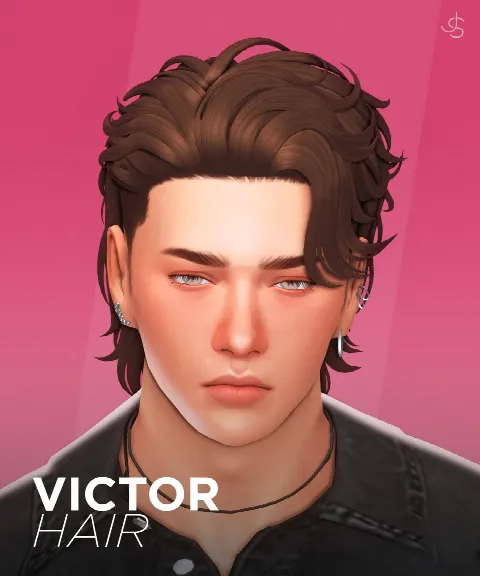 Victor Hair
by JohnnySims
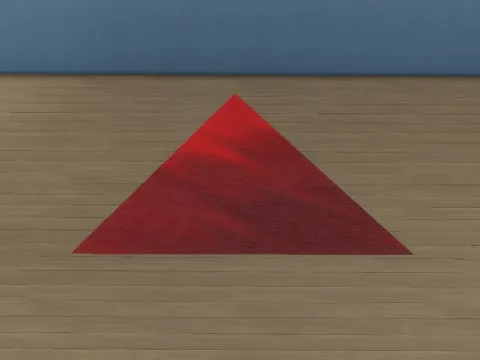 Triangle Rug
by ErinRichtofen
 MM Purple Nightclub
by Merin Martini
 Defy Luxury Gym Set [Part 1]
by greenllamas
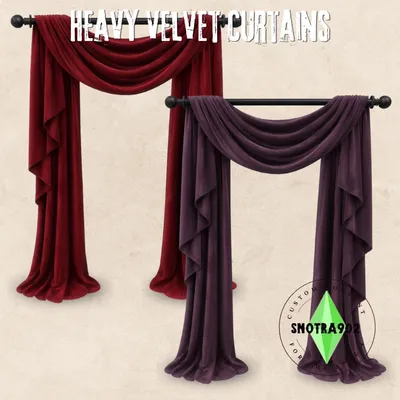 Heavy Velvet Curtains
by Snotra902
 Hollyland Kitchen
by ArwenKaboom
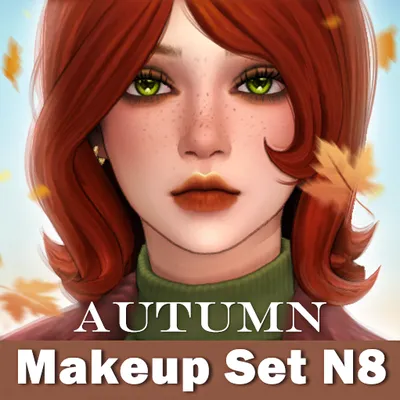 [Greenleaf] Autumn Makeup Set N8
by Greenleafsimscc
 Charmed Collection
by Joliebean
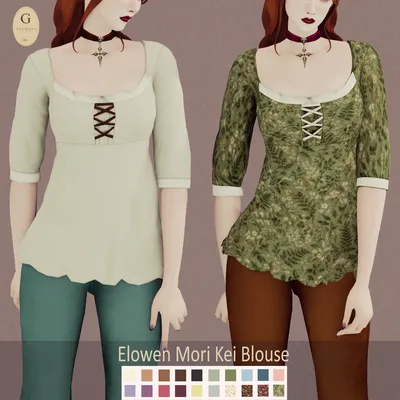 Elowen Mori Kei Blouse
by Guemara
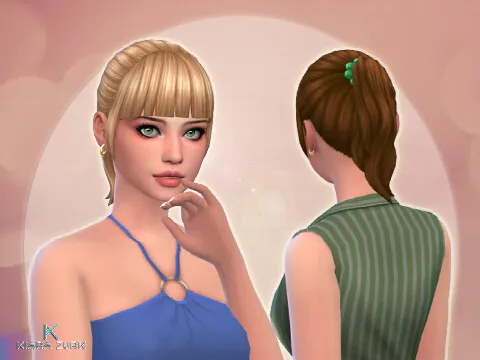 Pony Bangs Conversion
by kiarazurk
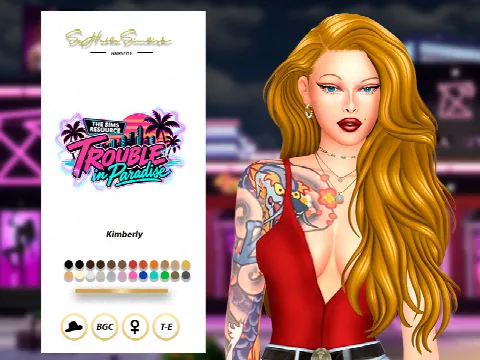 Kimberly Hairstyle
by sehablasimlish
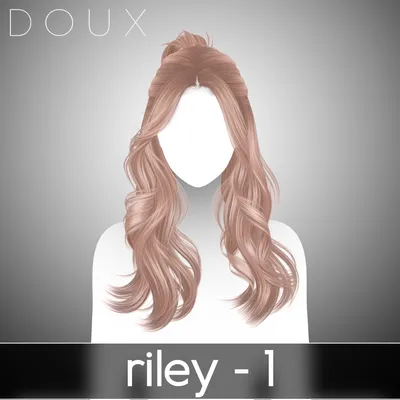 DOUX - Riley Hairstyle (Full)
by Doux
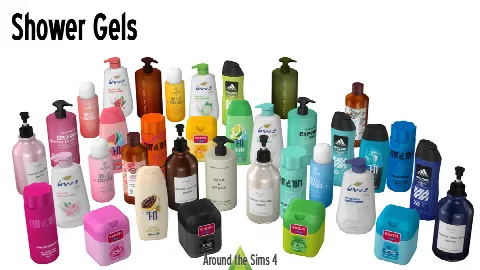 Shower Gels Bodywash Clutter
by Around the Sims 4
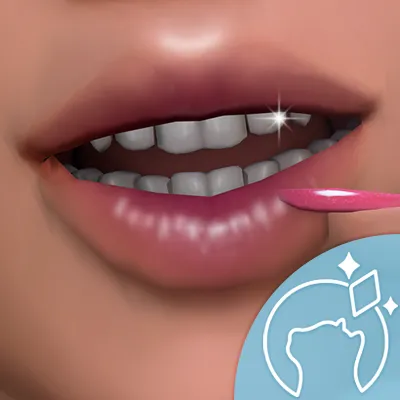 Better Teeth Project Default
by ikarisims
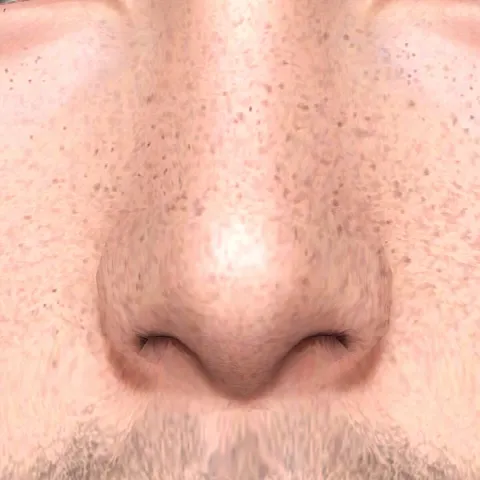 Freckles 34 HQ
by CarollDesign
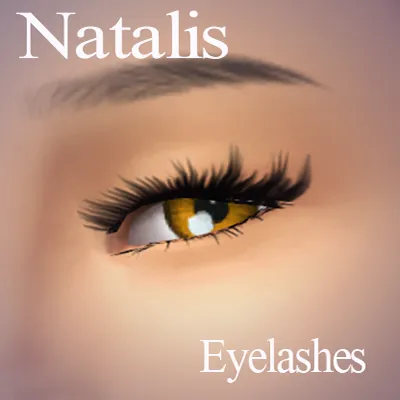 Eyelashes 3D N02
by NataliS
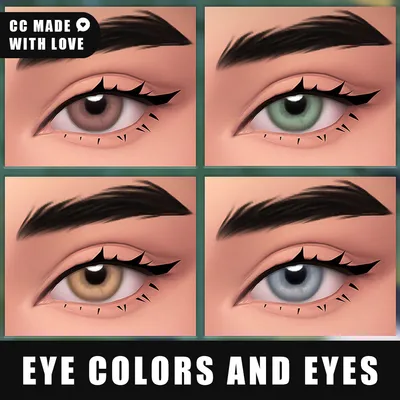 Non Default Eye Colors N1 and Eyes N27
by northern_siberia_winds
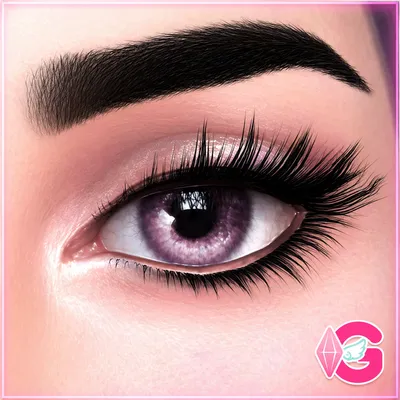 Violet's Realistic Eyes E02
by GabymeloveSims
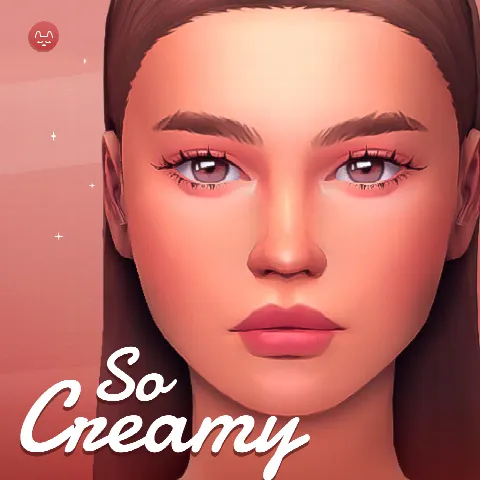 So Creamy Skin Overlay
by twistedcatcc
 Genovia Frestige Candle
by GenoviaStudio
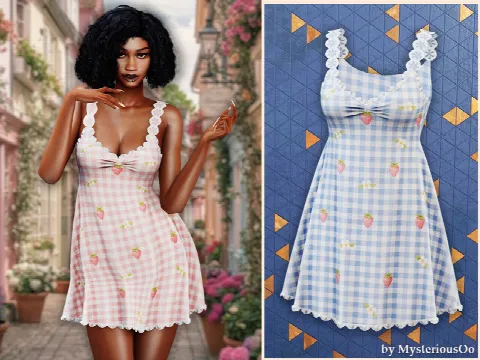 Strawberry Gingham Lace Mini Dress
by MysteriousOo
Showing 1–24 of 5,663
Maxis Match or Alpha? Maxis Match CC is made to sit beside the game's own style, with softer textures and simpler shapes. Alpha CC aims for realism, with detailed textures and more polygons. Both are here, and most simmers settle on one so their Sims look consistent.
Before you download, check three things on the listing: the packs it needs, whether it needs a mesh or another file from the same creator, and the file size if your computer is older. Then follow our install guide: CC goes in the Mods folder, while lots and households go in the Tray folder.
Want a head start? Our Collections gather themed picks, and The Edit rounds up the best new CC each week.
Frequently asked questions
Is Sims 4 CC free?
Most of it is. Some creators release items to paying supporters first (early access) and publicly later. We mark early access and don't list items that stay behind a paywall.
Where do I put Sims 4 CC?
In Documents > Electronic Arts > The Sims 4 > Mods. Package files can sit up to five folders deep. Then turn on "Enable Custom Content and Mods" in Game Options > Other.
Why isn't my CC showing up?
Usually custom content is switched off in Game Options, the file sits too many folders deep, or it needs a mesh or pack you don't have. Lots and Sims go in the Tray folder, not Mods.
Does CC slow down the game?
Large amounts can lengthen load times, especially high-detail Alpha items. Deleting the localthumbcache.package file in The Sims 4 folder after adding new CC helps the game rebuild its thumbnails.