
Sims 4 CAS Mods
Sims 4 CAS mods give Create a Sim more control: body and face sliders, presets, extra options and unlocks. Each one links to its creator's page, with the packs it needs.
Showing 1–2 of 2
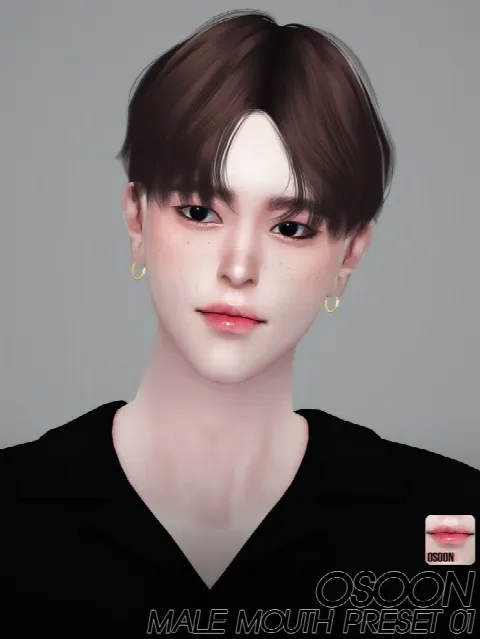
Sliders are the best-known kind. They add new ways to shape a Sim, such as nose width, lip size or body proportions, which you adjust by dragging in detailed edit. Presets are ready-made shapes for a face part or body that you choose from a list.
Other CAS mods change the screen itself, adding options or unlocking items. The game's own cas.fulleditmode cheat already lets you edit everything about an existing Sim, including traits and aspiration.
Sliders can stack, but two mods editing the same feature may clash or exaggerate each other, so check the creator's notes. For the things you put on Sims, browse custom content, starting with hair and skins.
Frequently asked questions
How do I use slider mods?
Put them in your Mods folder, open CAS and switch to detailed edit. Drag the part of the face or body the slider affects.
What is cas.fulleditmode?
A cheat that unlocks full editing of an existing Sim. Type it in the cheat console with testingcheats true, then use Modify in CAS on the Sim.
Are CAS mods the same as CC?
No. Custom content adds items such as hair and clothes. CAS mods change how Create a Sim works.