
Sims 4 Gameplay Tweaks Mods
Sims 4 gameplay mods change how life works: more realistic needs and autonomy, deeper life events and fewer annoyances. Each mod links to its creator's page with the packs it needs.

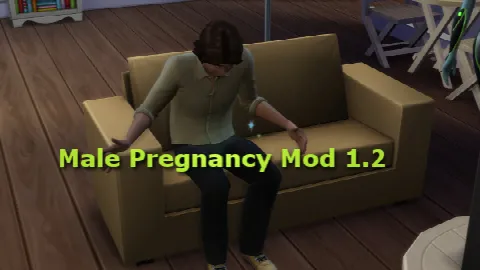
Showing 1–2 of 2
Gameplay tweaks range from a single small fix to a big overhaul. Small tweaks are easy to try and remove; overhauls change many systems at once, so read the creator's notes on settings and conflicts first.
Most are script mods, so turn on Script Mods Allowed and expect them to need an update after EA patches. Two mods that change the same thing (autonomy, pregnancy or careers, say) can clash, so add new ones a few at a time and test with a spare save. Mods with settings usually add a menu you open by clicking a computer, the phone or a Sim; the creator's page explains where.
Related: careers, traits and aspirations, relationships and quality of life mods.
Frequently asked questions
Which mods make gameplay more realistic?
It depends on what you want more of. Start with small tweaks to needs, autonomy or money, then add bigger overhauls once your save runs smoothly.
How do I know if two mods conflict?
Mods that edit the same game system often clash, and creators list known conflicts on their pages. If your game misbehaves, remove half your mods, test, and repeat until you find the cause.
Will gameplay mods break my save?
Usually not, but removing a big overhaul mid-save can leave odd behaviour behind. Back up your save before adding or removing large mods.